UniFi Access vs Kisi for a 1-to-5-Door Small Office: Do You Actually Need the Cloud Subscription?
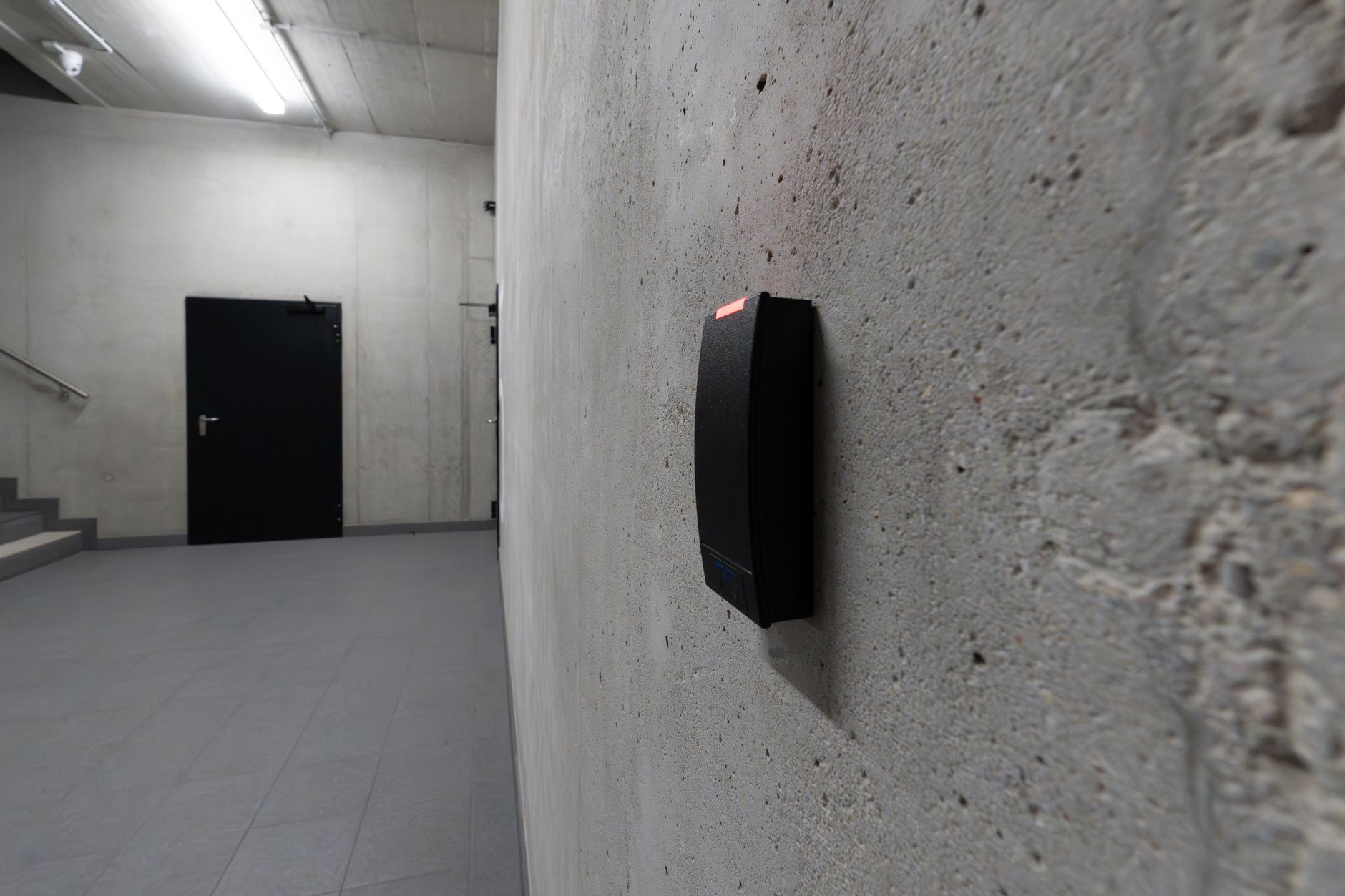
For a single-site office or clinic with one to five doors, UniFi Access is usually the better value because it carries no software subscription at all. You buy the hardware once and the door control software runs locally on your own console. Kisi wins if app polish matters more than avoiding a recurring software fee.
Who this is for
This is for the owner of a small Southern Colorado business deciding how to control the front door, the back door, the server closet, and maybe a couple of interior rooms. Think a Pueblo dental clinic in a leased strip-center suite, or a Colorado Springs accounting office on the second floor of an older building off Academy. You have one to five doors, one location, and no full-time IT person. You are weighing a one-time hardware spend against a forever monthly bill.
Down here that decision is shaped by the buildings themselves. A lot of our commercial stock is leased space in older masonry buildings, so running new Cat6 ethernet cabling to a door means coordinating with a landlord, fishing wire through block walls, and sometimes pulling a low-voltage permit. Cold matters too. A reader bolted to an exterior frame in a Pueblo January sees real temperature swings, and the wiring you run today is wiring you live with for years. The cabling reality, not the app, is what most owners underestimate.
The comparison at a glance
| System | Software cost | Best for | Key strength | Main drawback | GTZ verdict |
|---|---|---|---|---|---|
| UniFi Access (Ubiquiti) | $0/mo, no software subscription (as of June 2026) | 1-5 door single sites already on, or open to, UniFi networking | No recurring subscription; door logic runs locally on your console | Mobile credentials less mature in our hands-on use; you manage the box | Best value for most small offices we serve |
| Kisi | custom / contact-sales pricing (as of June 2026); published software plan starts at $99/mo (as of June 2026) | Offices that prioritize app polish and a managed cloud experience | Refined mobile credentials, Apple Wallet badges, clean admin app | Recurring software cost; cloud account dependency for management | Pick it if app experience outranks avoiding a monthly bill |
Hardware sits on top of those software numbers for both. A UniFi Access G3 Reader runs $159 and the full Door Hub is $199 (store.ui.com, as of June 2026). Kisi hardware is heavier: the Controller Pro 2 lists at $850 and the Reader Pro 2 at $475 (getkisi.com/pricing, as of June 2026).
The real tradeoff, in plain terms
The honest version of the UniFi Access versus Kisi tradeoff starts with an admission. In our hands-on use, Kisi's mobile credentials feel more refined than UniFi's. The app is genuinely good, Apple Wallet badges work cleanly, and tapping a phone to a Kisi reader feels polished in a way UniFi is still catching up to. So the cheaper option is not also better at everything. This is a genuine tradeoff.
But that polish has a price tag that does not go away. Kisi prices through a custom quote and does not publish a flat per-door rate. Its one published software plan, the One Security Platform, starts at $99 per month for small business, with everything beyond that quote-based through sales (getkisi.com/pricing, as of June 2026). For industry context, independent cost guides put cloud access-control software broadly at $15 to $50 per door per month, with a common mid-market figure around $20 (simpleaccesscontrol.solutions, as of June 2026). Those are general market numbers, not Kisi's quote. The point is simpler than any single figure: a recurring software fee compounds every year you keep the system, and over a five or seven year hardware life it can quietly outrun what you paid for the hardware.
UniFi Access flips the model. There is no monthly subscription and no per-door software fee; you pay for hardware and the door control software runs on your existing UniFi OS console (ifeeltech.com, as of June 2026). It even ships mobile credentials of its own. UniFi's Touch Pass lets a user tap a phone to unlock and add a badge to Apple Wallet or Google Wallet, with Apple Express Mode on by default (help.ui.com), and the G3 Reader includes 10 free one-year Touch Passes in the box (store.ui.com, as of June 2026).
In the small-office and clinic access installs we do across Southern Colorado, the recurring software fee decides it more often than mobile-app polish. Owners would rather spend once on hardware they own than carry a subscription for a door that just needs to lock.
Neither option is flawless, and you should hear the drawback of the one I lean toward. UniFi Access puts you, or us, in charge of the box. There is no slick multi-site dashboard if you grow, credential provisioning is more manual than the HR-integrated cloud platforms, and the door logic runs on a console you maintain rather than a vendor's cloud (ifeeltech.com, as of June 2026). For a single small site that is a fair trade. For a chain of locations with high staff turnover it is a real limitation. Kisi's drawback is the mirror image: you get the polish, but you rent it, and your management plane lives in someone else's cloud account.
On the outage question owners always ask, both systems keep doors working, but they degrade differently. UniFi processes near-field-communication (NFC) and PIN unlocks locally during a wide-area-network outage because the logic lives on the local network, or LAN, not the cloud (ifeeltech.com, as of June 2026). Kisi's reader keeps a live offline cache for up to 36 hours, while its phone credentials drop into a separate offline mode after about five minutes without a connection (docs.kisi.io, as of June 2026). For a clinic where the door just has to keep working when the internet hiccups, both pass. UniFi's local-first design simply has less to fall back from.
Choose UniFi Access if / Choose Kisi if
Choose UniFi Access if you have one to five doors at a single Southern Colorado site, you can run Cat6 ethernet cabling to each door (or you are already on UniFi networking), and you would rather spend once than carry a software fee forever. It is the right call for the typical Pueblo or Colorado Springs office where the door has one job: control who comes in, log it, and keep working when the internet does not.
Choose Kisi if the daily phone-unlock experience is a priority your staff will actually notice, you expect to add locations, or you want a managed cloud platform you do not host yourself. If app polish ranks above avoiding ongoing cost and that budget is already approved, Kisi earns its keep.
Cost over time, with real numbers
Run the math on a three-door clinic. With UniFi Access, you are looking at roughly $159 per G3 Reader plus a Door Hub at $199 per door (store.ui.com, as of June 2026), plus door locking hardware such as an electric strike or maglock that varies by door, then $0 in software after. With Kisi, the controller lists at $850 and each Reader Pro 2 at $475 (getkisi.com/pricing, as of June 2026), and the software subscription keeps billing for as long as you run the system.
Here is the honest limit on that comparison. Because Kisi's actual price is quote-only, we cannot put an exact multi-year figure on it. But any recurring software fee compounds, and at typical industry per-door rates a subscription can exceed the one-time hardware over a five to seven year life. A small office does not need to rent enterprise-grade mobile features to control five doors securely. The same no-subscription logic shows up on the camera side, where you can run business security cameras with no monthly fee instead of renting cloud storage. Door access is one piece of a building's physical security and cameras setup, and we usually tie access logs to camera footage. Picking the recorder is its own version of this decision, and it is the same call we walk through for cameras versus a traditional digital video recorder, or DVR, where local recording on hardware you own beats a recurring cloud bill for most small sites.
Access control also overlaps with your network and your data retention obligations, so it belongs in the same conversation as backup and security, especially for clinics. If you handle protected health information, retention and audit-log rules like HIPAA may apply, and you should confirm the specifics with a compliance advisor rather than assume any single product makes you compliant.
Frequently asked questions
Does UniFi Access really have no subscription fee?
Correct. UniFi Access has no monthly subscription and no per-door software fee; you pay for hardware and the application runs on your own UniFi OS console (ifeeltech.com, as of June 2026). The G3 Reader even includes 10 free one-year Touch Passes for mobile unlock. The main ongoing cost is optional extended warranty if you choose it.
How much does Kisi cost?
Kisi prices through a custom quote and does not publish a flat per-door rate. Its one published software plan starts at $99 per month for small business, with everything beyond that quote-based through their sales team (getkisi.com/pricing, as of June 2026). For general industry context only, independent cost guides put cloud access-control software broadly at $15 to $50 per door per month (simpleaccesscontrol.solutions, as of June 2026). Those are market figures, not Kisi's number.
Will the doors still unlock if my internet goes down?
Yes, for both, though they handle it differently. UniFi processes NFC and PIN unlocks locally during a wide-area-network outage (ifeeltech.com, as of June 2026). Kisi's reader keeps a live offline cache for up to 36 hours, while its phone credentials drop into a separate offline mode after about five minutes without a connection (docs.kisi.io, as of June 2026).
Are Kisi's mobile credentials actually better?
For app polish, in our hands-on use, yes. Kisi's mobile experience and Apple Wallet badges feel more refined than UniFi's today. UniFi's Touch Pass is fully functional, with Apple and Google Wallet support and Express Mode unlock (help.ui.com), but it is a step behind on the finer experience details.
Do I need to run new ethernet cabling to each door?
Almost always, yes. Both systems use power-over-ethernet (PoE = power and data over one network cable) wiring to readers and controllers, so each door needs a cable run back to your network gear. In older leased Southern Colorado buildings that cabling, plus door hardware and sometimes a low-voltage permit, is the real cost driver, not the brand on the reader.
The local bottom line
For a single-site office or clinic in Pueblo, Colorado Springs, or anywhere across Southern Colorado with one to five doors, the subscription question usually answers itself. You can own UniFi Access hardware outright, skip the recurring software fee, and still keep doors unlocking when the internet drops. Kisi is the call when app polish or multi-site growth genuinely outweighs paying every year. Either way, the cabling walk-through comes first, because in our buildings the wire to the door decides more than the logo on it.
We handle the whole job: walking the doors, planning the Cat6 runs, the install, and tying access into your cameras. If you want a straight answer on which system fits your space and budget, let us look.
Worth knowing we install and manage UniFi Access ourselves, which is also why we are comfortable telling you exactly where it falls short.
Free Consultation
Questions About Your IT?
Book a free assessment with Efrain. No sales pitch, no obligation.
Get Your Free Assessment