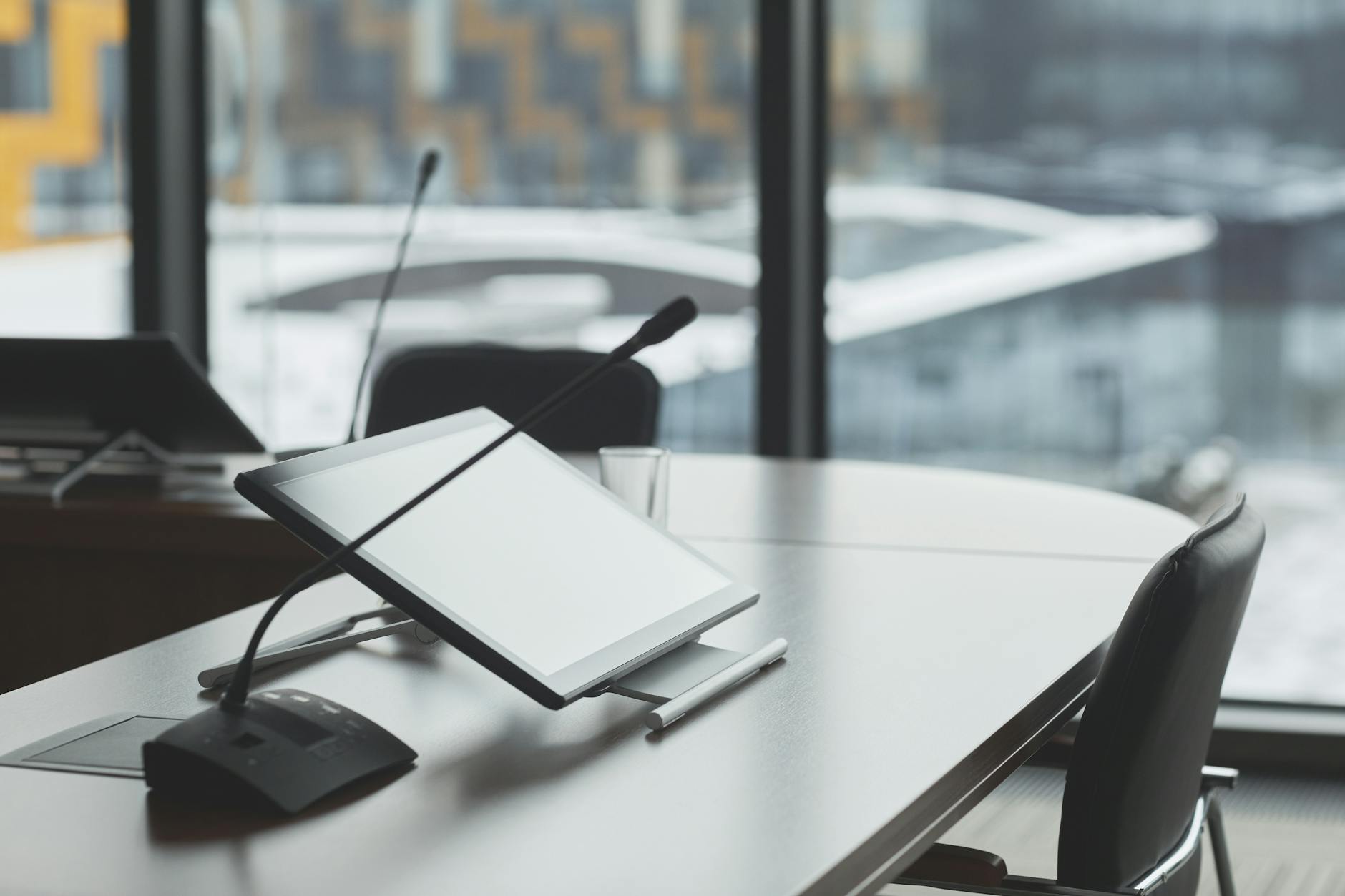
If you are planning a boardroom in Colorado Springs, Fountain, or Pueblo, somebody has probably told you that you need a conference room DSP, short for digital signal processing. Somebody else swears the all-in-one video bar in their office sounds just fine. Both of them are right. The difference is the room they are standing in.
We design and install both kinds of rooms. So here is the decision the way we walk people through it, with the honest parts left in.
What DSP means in plain English
In a conference room, a DSP is a dedicated computer whose only job is audio: deciding which microphones are live, cleaning up what they capture, and handing the far end of the call one clear voice instead of a soupy blend of table noise.
Its most important job is acoustic echo cancellation (AEC). When someone remote talks, their voice comes out of your speakers, bounces off the table and the walls, and lands right back in your microphones. Without AEC, they hear themselves again a half second later, and it is maddening.
AEC works by comparing what the speakers are playing against what the microphones pick up, then subtracting the overlap before it gets sent back, a process Shure explains well. And here is the part that surprises people: when the remote side complains about echo, your room is the culprit, not theirs.
Every video bar already has DSP chips inside it. So the real question is never whether you need digital signal processing. It is whether the processing baked into one bar at the front of the room can actually cover your table.
When a video bar beats a conference room DSP
In a huddle room, it usually does. Four or five people sitting close to the display are well inside a bar's microphone range, and Microsoft's Teams Rooms planning guidance says as much: all-in-one audio devices are a high-quality option for smaller spaces where participants sit relatively close to the device.
The bar is cheaper, installs in an afternoon, and gives you one cable to troubleshoot instead of a rack. That is not a consolation prize. For a 10 by 12 huddle room off the shop floor in a Fountain business park, it is the correct engineering call, and we will tell you so.
But notice the qualifiers in that guidance: smaller spaces, participants close to the device. Those words are load-bearing.
Where the bar falls apart
Stretch that same bar across an 8 to 12 seat boardroom and physics starts winning. The people at the far end of a 14 foot table sit a long way from a microphone fixed at one point on the wall. The bar hears them faintly and hears the room loudly.
Southern Colorado construction makes it worse. Glass-fronted conference rooms in Colorado Springs office space, exposed brick and high ceilings in older Pueblo buildings, metal-skinned flex space along I-25 through Fountain: hard surfaces like these bounce sound straight back into the microphones. It is why Microsoft's same guidance flips for larger rooms and separates the microphones from the speakers so coverage reaches every seat.
And this is not a cosmetic problem. In Jabra's 2026 Cost of Bad Meetings study of more than 2,300 knowledge workers, three in four reported at least one technical issue in hybrid meetings, costing nearly 11 minutes per meeting. Around half of remote participants said they feel forgotten, talked over, or excluded.
Three out of four workers hit a technical failure in hybrid meetings, and those failures cost the room nearly 11 minutes per meeting. Boardroom audio is not an aesthetic choice. It is payroll.
That exclusion number is the one worth circling. When the far end cannot hear the quiet voice at the end of your table, that person effectively leaves the meeting. In a credit union board vote or a contractor design review, you need every voice on the record.
What a conference room DSP changes
A DSP-based room removes the one-fixed-point limit. Microphones go where people actually sit, usually ceiling arrays above the table, and each microphone zone gets its own echo cancellation and level tuning matched to your room's finishes rather than a factory default.
We build these rooms on Q-SYS, the networked audio, video, and control platform from QSC, and we hold Q-SYS Level One certification. To make the difference concrete: the spec sheet for a single Q-SYS Core 110f processor lists up to 16 assignable, routable AEC instances plus 24 channels of analog audio, including 8 Flex channels that can be switched between input and output duty in software.
Read past the numbers and the point is headroom. Microphone routing, camera switching, an overflow feed to a second room, background music in the lobby: on a networked platform those become software changes instead of hardware swaps. The processor also presents the whole room to your Teams or Zoom computer as a single USB audio and video device, and QSC has taken Q-SYS conferencing configurations built on the Core 110f through Microsoft's Certified for Teams program.
The honest downside is cost and complexity. A DSP room deserves professional design and commissioning, because a processor nobody tuned is just an expensive way to sound mediocre.
The honest ladder for your boardroom
Here is the ladder the way we actually apply it. A huddle room with up to about six seats near the screen: buy the bar, spend the savings on acoustic panels, and enjoy it. Eight seats, carpet, soft walls? A larger bar with an expansion microphone can hold on, but you are at the edge of its class and it will never get better.
An 8 to 12 seat boardroom with glass or brick, or any room where you expect growth, recording, or local voice reinforcement, sits firmly in conference room DSP territory. Pretending otherwise usually means buying the room twice.
But you should not have to guess from a blog post. A walkthrough takes about an hour. We measure the space, look at the finishes, ask what actually happens in that room, and tell you plainly which side of the line you are on. Our conference room AV page shows what a full audio visual design includes, and if the boardroom is one piece of a larger building plan, start with AV design and installation.
And if a video bar covers your room, we will say exactly that. It is a smaller ticket for us and the right answer for you.
Free Consultation
Questions About Your IT?
Book a free assessment with Efrain. No sales pitch, no obligation.
Get Your Free Assessment