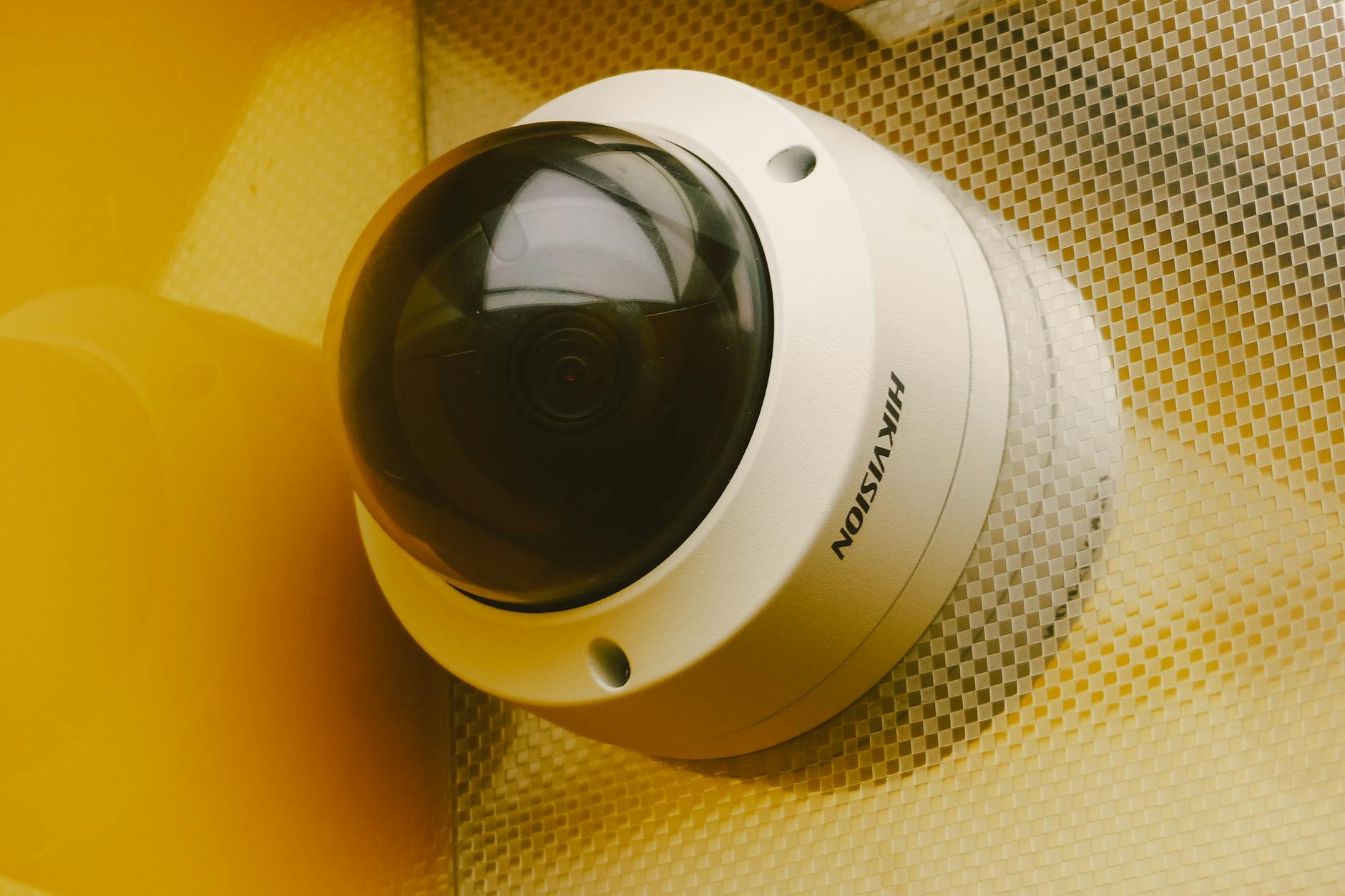
As of August 2026, UniFi Protect ONVIF cameras can provide a practical bridge from an existing camera system into Protect, but the answer is not "everything works now." Protect 7.2 can adopt many third-party cameras for live view and playback, and it adds better control over recording, encoding, time, and physical camera contacts that can trigger another action. Native UniFi cameras still receive the deepest integration.
For a Pueblo warehouse or Colorado Springs office with a rack full of working cameras, that distinction matters. Reusing the right cameras can protect the budget. Assuming feature parity can ruin the migration.
The direct answer: reuse can work, but test the exact model
Ubiquiti's current third-party camera guide says Protect can discover and adopt ONVIF-compatible cameras. Once adopted, Protect selects high- and low-quality streams for live view and playback. Motion detections, pan-tilt-zoom control, and audio can be supported.
The same documentation gives the honest limitation: other advanced features are not supported by default. Motion events may need to be configured on the camera. Audio requires transcoding and can consume additional console resources. If the camera streams change later, the device may need to be removed and adopted again.
That is why a model-level pilot belongs before the quote. "ONVIF compatible" tells us where to start. It does not tell us that the camera's motion events, audio, pan-tilt-zoom commands, or encoding choices will behave exactly as the client expects.
What UniFi Protect ONVIF cameras can do now
Protect 7.2 expands third-party camera control beyond basic adoption. Ubiquiti says administrators can manage recording and encoding settings, synchronize cameras to a common UniFi time server, and use physical camera contacts in trigger-and-action workflows.
Time synchronization is not glamorous, but it matters during an incident. Video from three cameras is much harder to reconstruct when their clocks disagree. Central control also reduces the number of times a technician has to visit each camera's separate web page.
What does not change is the camera hardware. A dim image stays dim. A camera with unreliable firmware remains a support problem. Protect can organize a third-party stream without turning that device into a native G6 camera.
Where UniFi Protect ONVIF cameras stop short of native integration
| Decision point | Existing ONVIF camera in Protect | Native UniFi Protect camera |
|---|---|---|
| Best use | Phased migration when existing cameras still produce useful evidence | New installations or positions that need the full Protect feature set |
| Live view and playback | Supported on adopted compatible streams, per Ubiquiti | Native |
| Motion, PTZ, and audio | Supported on compatible models, with setup and resource caveats | Native model capabilities |
| Advanced detections | Basic viewing and recording can work directly. Advanced detections on a third-party stream require AI Port first; AI Key can then perform additional analysis. | Varies by native camera generation and model |
| Configuration | Some settings remain in the camera's own interface | Managed inside Protect |
| Support boundary | Protect, camera firmware, and original equipment manufacturer can all be involved | One UniFi product stack |
| Migration cost | Can preserve usable hardware | Requires replacement hardware but reduces compatibility uncertainty |
Our opinion is straightforward. Keep an existing camera if it captures the scene you need, receives current security firmware, supports secure credentials and transport, can be isolated appropriately on the network, and passes an adoption test with the functions you actually use. Replace it when the position needs native detections, stronger low-light evidence, simpler support, or a model that no longer receives security updates.
Recording a third-party camera in Protect is a migration path. It is not a promise that the camera becomes a native UniFi device.
ONVIF itself is changing too
ONVIF is a family of interoperability profiles, not one universal feature badge. ONVIF is retiring Profile S for new conformance submissions on March 31, 2027 and recommends Profile T because Profile S authentication no longer matches current cybersecurity recommendations. Manufacturers will no longer be able to submit new or updated Profile S-conformant products after that deadline.
That does not switch off deployed Profile S cameras. It does mean a buyer should check which profile the exact model supports and whether secure transport and authentication are available. A decade-old camera that technically streams may not be the device you want to carry into the next system lifecycle.
Where AI Port and AI Key fit
Ubiquiti offers optional hardware that can extend some capabilities, but the names are easy to confuse. AI Port can add smart detections to supported older or third-party streams, with capacity depending on resolution and camera type. AI Key performs additional centralized analysis.
For third-party ONVIF cameras, Ubiquiti states that AI Port is required before AI Key can process those streams. An AI Key by itself does not make every existing camera an advanced AI camera. Stream quality, processing capacity, network design, and the original camera still set limits.
Choose reuse when it lowers risk, not only cost
A phased migration is a good fit when the existing cable and several cameras are sound, the client wants a new recorder and interface now, and the high-priority evidence positions can move to native cameras first. A full replacement is cleaner when the old system is unsupported, image quality is poor, or advanced detections are part of the requirement.
GTZ sells and installs UniFi Protect, so we have a commercial interest in the platform. We like its local recording and lack of per-camera software licensing. The drawback is real: Protect needs a compatible console, power and network design, storage planning, and careful testing when third-party cameras are involved. Our Reolink, Eufy, and UniFi comparison covers the wider platform decision, while our physical security work starts with the actual site and evidence needs.
Frequently asked questions
Will every ONVIF camera appear automatically?
No. ONVIF must be enabled, credentials and time must be correct, firmware should be current, and the exact model still needs testing.
Do third-party cameras get every UniFi AI feature?
No. Ubiquiti documents limited native third-party functionality. Some additional detections require AI Port, and advanced analysis can also require AI Key.
Can GTZ promise compatibility before seeing the camera model?
No. We can research the model and test one unit before committing the full migration.
Does Protect charge a per-camera software license?
Ubiquiti currently describes Protect as having no camera software licensing fees. Hardware, storage, installation, support, and optional care coverage still have costs.
Free Consultation
Questions About Your IT?
Book a free assessment with Efrain. No sales pitch, no obligation.
Get Your Free Assessment