How Much Camera Footage Do You Actually Keep? What UniFi Protect 7.3 Changes for Small Business
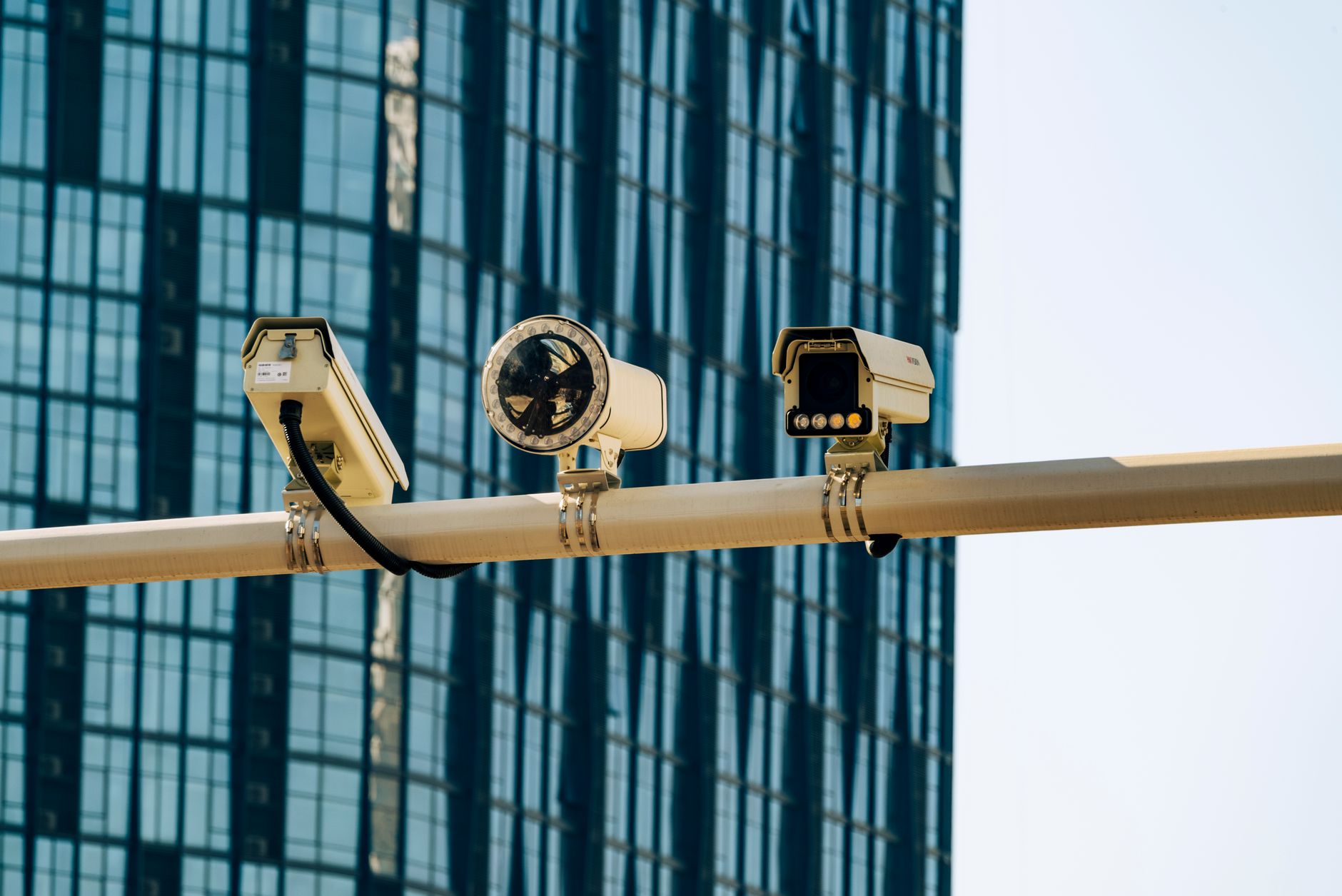
Somebody backs a truck up to your laydown yard on a Saturday night and leaves with a pallet of copper wire. You find out Monday. Your insurance adjuster asks for footage from Thursday, because that's when the same pickup showed up "just looking around." And your camera system already recorded over Thursday.
We hear some version of that story from business owners in Pueblo and Colorado Springs more than we'd like. The cameras worked fine. The problem was storage. Or the problem was that the site with the theft had no recorder at all, because putting a full console in a jobsite trailer or a small satellite shop never seemed worth it.
A recent update to a camera platform we deploy a lot goes after both of those problems directly. It's worth a few minutes of your time even if you never touch the settings yourself.
What actually changed in this release
Ubiquiti shipped UniFi Protect 7.3 in early October. Strip away the launch language and there are four changes that matter for a small or mid-sized business:
- Tiered retention. You pick how long footage stays at full quality. After that window, older video is kept at a lower quality instead of being deleted. So a week of crisp footage can sit on top of a much longer tail of usable footage.
- Super Encoding. A more efficient encoding applied across all cameras, aimed at longer recording history on the same drives. Ubiquiti didn't publish a specific savings number, so we're not going to invent one. We'll know what it does on real hardware once we've run it at a few client sites.
- Teleport for remote cameras. Cameras at a remote location can record back to your existing Protect system without a console sitting on-site.
- Video Wall playback. The big multi-camera monitor view used to be live-only. Now you can scrub back through recorded events right from the wall.
There's also a native Shopify integration for retailers and some cleanup to how sensors and identified people are managed. Useful, but the first three are the headline for most of the folks we work with.
Why retention is the quiet problem with most camera systems
Here's what bugs me about the way most small business camera systems get sold. The quote talks about megapixels and night vision. Almost nobody asks how many days of footage you'll actually have when you need it.
And the honest answer is often "fewer than you think." A handful of 4K cameras recording around the clock eats drives fast. When the drive fills, the oldest footage is overwritten. Nobody gets an alert. You find out the day you go looking.
The camera that caught everything is useless if the recorder already wrote over it.
Most of the guidance we see for commercial systems lands somewhere in the 30 to 90 day range, with businesses that deal with insurance claims, disputes, or police reports leaning toward the longer end. For a contractor, that longer end matters. Theft and vandalism don't always get noticed the day they happen. Neither do slip-and-fall claims, which can show up weeks later with a demand letter attached.
The tiered approach is a sensible compromise. You rarely need 4K detail on footage from seven weeks ago. You need enough to see that a white pickup pulled in at 9:40 pm and left at 10:15. Keeping the last week sharp and the rest "good enough" is how we'd have designed it if anyone asked us.
Remote sites without a recorder in the trailer
This is the part we're most interested in for construction clients.
Think about a general contractor based in Colorado Springs with an active job out in Fountain or up near Monument. Up to now, putting cameras on that site meant either a standalone system with its own recorder (one more box to lose, steal, or forget to update) or a cloud camera service with a per-camera monthly fee. Neither option is great when the job wraps in nine months and everything moves to the next site.
Teleport is built to let those remote cameras feed straight into the system you already run at the main office. No extra console sitting in a job box. Footage lands where your office manager already looks for it. When the job closes, you pull the cameras and redeploy them.
The same logic applies outside construction. A Pueblo manufacturer with a separate storage building across town. A dental group with a second office. A property manager with a few small buildings. Each of those used to need its own recorder or a monthly cloud bill. Now there's a third path.
But a word of caution. Remote cameras still need a reliable internet connection on-site, and video is bandwidth-hungry. A cellular hotspot that's also running the superintendent's laptop and the plan room tablet will struggle. We'd want to look at the actual connection before promising anything.
What to do with this if you already run UniFi cameras
If you already have Protect at your shop or office, a few practical things:
- Check how many days of footage you actually have right now. Open the timeline and scroll back until it stops. That number is your real retention, not whatever was on the original quote.
- Decide what "enough" means for your business before you change settings. A week at full quality might be plenty for a medical office. A contractor with frequent theft might want more.
- Don't update blindly in the middle of a busy week. New firmware is generally solid, but test it on a slow day and confirm every camera comes back online.
- If you have a remote site you've been ignoring because the hardware cost didn't pencil out, revisit that math.
If you don't run UniFi today, none of this means you need to rip out what you have. Honestly, plenty of older systems are fine. The questions above still apply, though. Know your real retention. Know which sites are blind.
Ubiquiti is the tool underneath, not the point
We install a lot of UniFi gear because it hits a price and management sweet spot for businesses with 5 to 100 people. It isn't perfect. Some features take a few releases to mature, and we'll be watching how Super Encoding and Teleport hold up on real sites before we recommend them across the board.
The bigger idea is what matters. Cameras, network, and storage are one system. When they're planned together, you get footage that's still there when you need it. When they're bolted on piece by piece, you get the Monday morning surprise.
How GTZ helps
We design and support physical security and camera systems for businesses across Pueblo, Colorado Springs, and Fountain, and we tie them into the same network we look after through our managed IT work. If you want a straight answer on how much footage you're actually keeping, or whether a remote site can be covered without another recorder, we're happy to take a look.
Free Consultation
Questions About Your IT?
Book a free assessment with Efrain. No sales pitch, no obligation.
Get Your Free Assessment